
The Ultimate Diabetic Cookbook · Affiliate Centre

Landing Pages

Two ready-made presell pages for paid traffic. Pick one, download it for WordPress or any web host, put your saved link on the buttons and send your ads to it.

You have not created a promotion hoplink, click here to create one.

Promotion Links
Why send paid traffic to your own page first

If you wish to drive paid traffic (e.g. Facebook Ads, Google Ads, YouTube Ads), then it’s essential that you send visitors to a page on YOUR website and not directly from an ad to our pages.

There are several reasons for this, one big reason is that Facebook, Google, etc, don’t like multiple affiliates promoting the same site directly. By sending to your own website, it avoids this issue.

So we’ve made two ready-to-use presell pages for The Ultimate Diabetic Cookbook, and each one comes in two forms. Download WordPress gives you a template to import into a WordPress site with our free Commission Kickstart plugin. Download HTML gives you a plain web page (index.html, an images folder and a README) that works on any web host. Either way, all you do is put your own ClickBank link on the buttons and drive traffic to the page.

Health ads are checked closely by the ad networks, so keep the wording as it is: no promises to cure, treat or control diabetes or blood sugar, no before-and-after claims, and no made-up reviews or countdown timers.
  1. 1

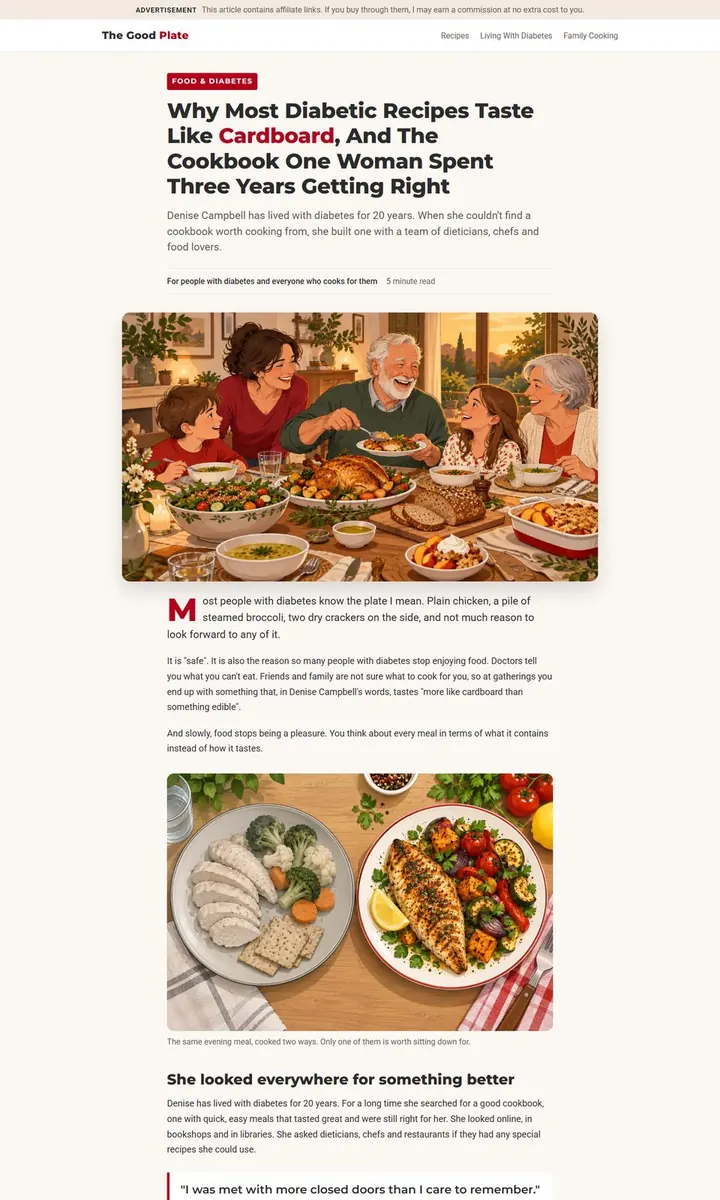
    Look through the two templates below and pick the one that suits your traffic. The article presell warms up colder traffic with a magazine-style article about why most diabetic recipes taste like cardboard and how Denise Campbell set out to fix it; the bridge page is a short page with three reasons, the package and one clear button. Click Preview to see the page live.

  2. 2

    Download your template: Download WordPress if your site runs on WordPress, or Download HTML for any other web host. For the WordPress form, first visit Commission Kickstart to download and install the latest version of the free plugin.

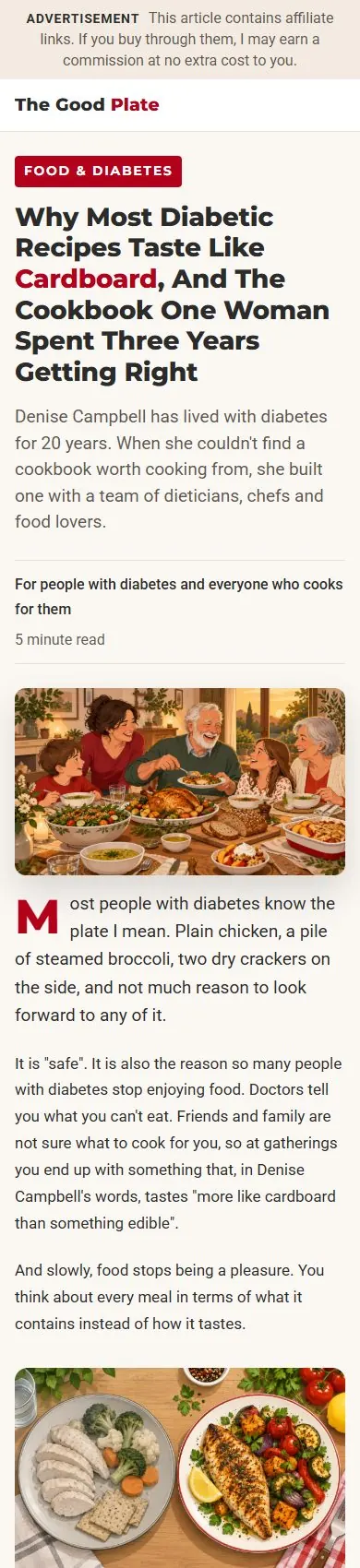
  3. Article Presell Page: desktop view Article Presell Page: phone view

    Article Presell Page

    A story-led article in magazine style: why most diabetic recipes taste like cardboard, Denise Campbell's 20 years with diabetes and her three years building the cookbook, what is on the menu, the three bonuses and the 60-day guarantee. Best for colder traffic from Facebook, native ads and blogs.

    Download WordPress Needs the free Commission Kickstart plugin.
    Download HTML Works on any web host. README inside.
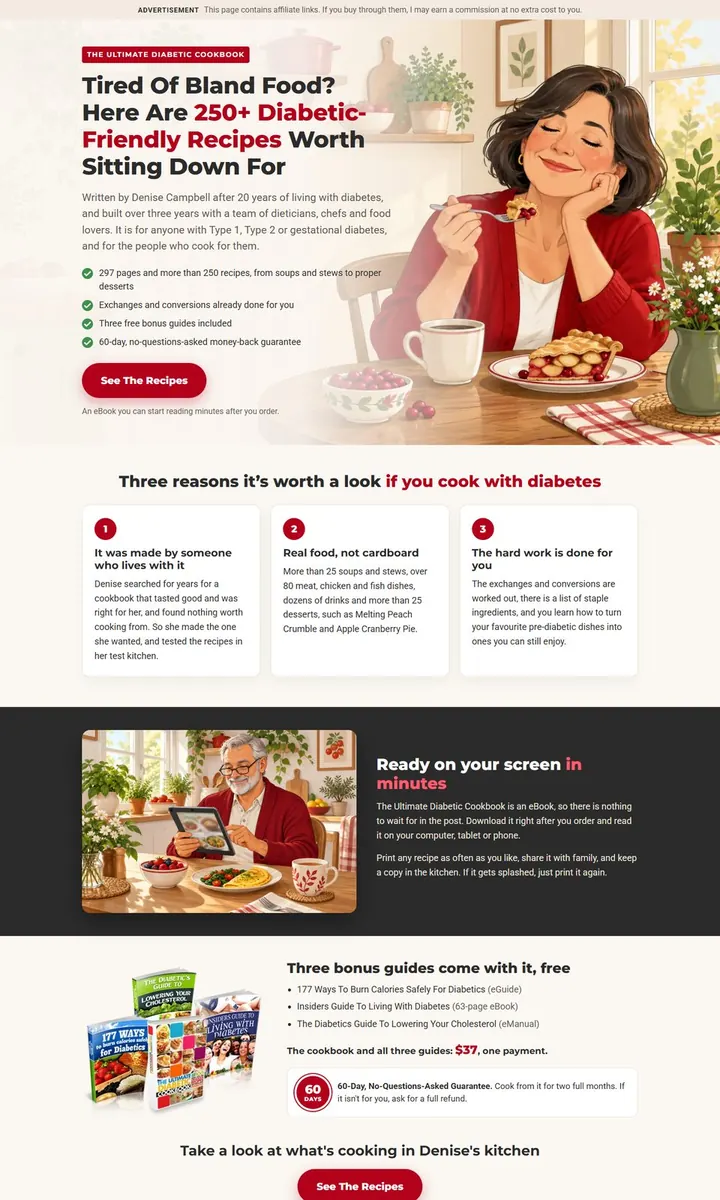
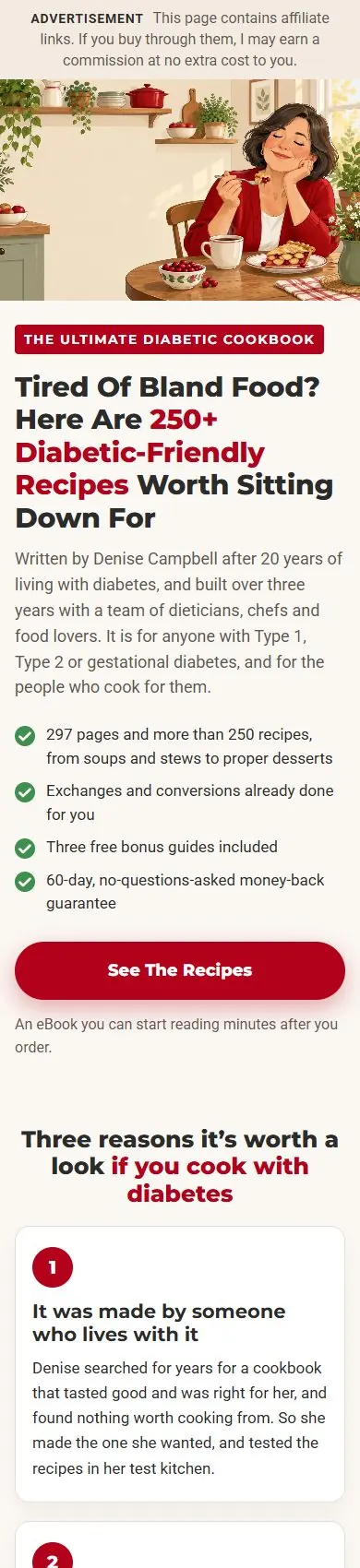
    Bridge Presell Page: desktop view Bridge Presell Page: phone view

    Bridge Presell Page

    A short bridge page: one headline, three reasons to look at the cookbook, the package with its bonuses and guarantee, and one clear button to the main page. Best for warmer traffic, search ads and email.

    Download WordPress Needs the free Commission Kickstart plugin.
    Download HTML Works on any web host. README inside.
  4. 3

    Put in your own ClickBank link. Every button links to the placeholder AFFILIATE-LINK; replace it with your hoplink, https://hop.clickbank.net/?affiliate=YOURID&vendor=diabeticcb (YOURID is your ClickBank nickname, or make the link on the Promotion Links page). WordPress: set up a new page, click ‘enable’ on Commission Kickstart, import the zip, and insert your own affiliate link into each ‘button link’. HTML: unzip it, open index.html in a text editor, use Find and Replace to change every AFFILIATE-LINK into your hoplink, then upload index.html and its images folder to your website. The README.txt inside explains each step, and how to ask an AI assistant to change the page for you.

  5. 4

    Start running traffic to your new landing page.

  6. 5

    Start collecting your commissions